Deployment
Deploy your app to a *.genmb.com subdomain with one click - instant publishing with automatic SSL, CDN delivery, and zero configuration.
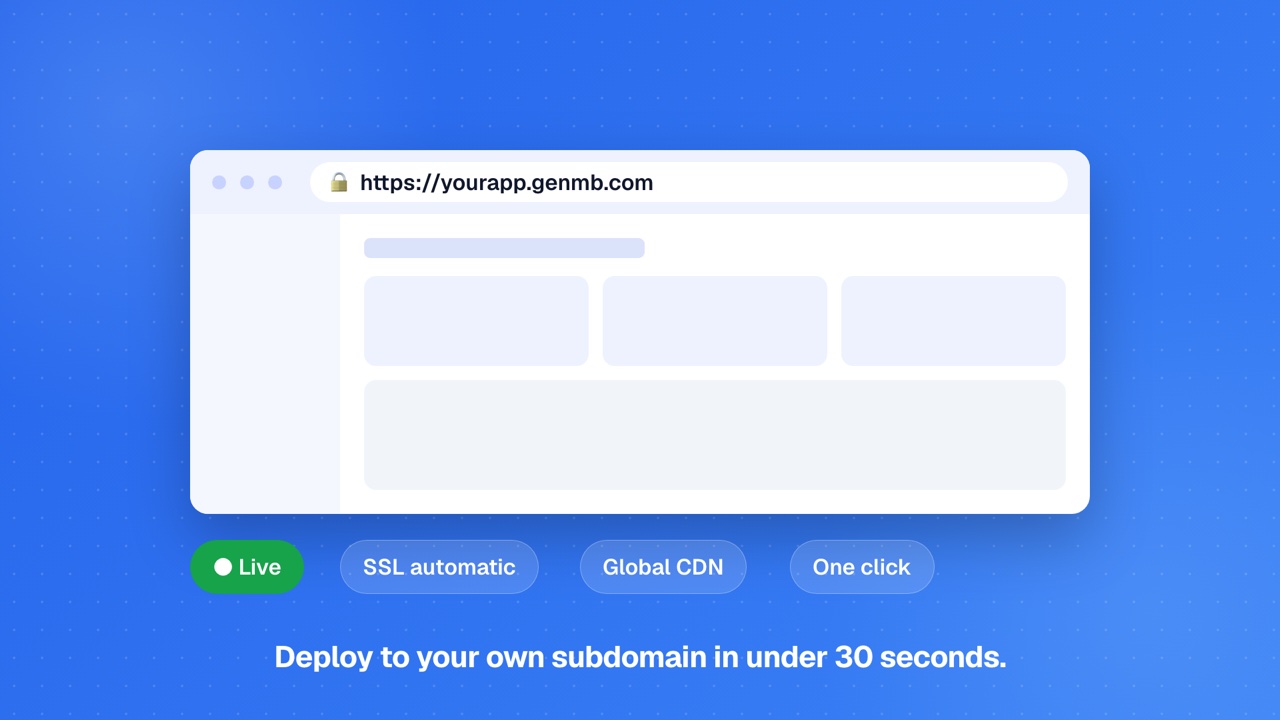
Subdomain Deployment
Deploy your app to a *.genmb.com subdomain with one click. Your app gets a unique URL like yourapp.genmb.com with automatic SSL - free for all plans.
Click Deploy
Choose a subdomain
SSL provisioned automatically
Your app is live
A deployed app also serves its own MCP endpoint, so you can expose chosen backend functions as typed tools to any MCP client. See the MCP docs.
Re-deploying
After making changes to your app, re-deploy to push updates live. The previous version stays active until the new deployment completes.
Update your app code
Click Deploy again
Zero-downtime rollout
Redeployment Required
Editing your code does not automatically update the deployed version. You must click Deploy again to push changes live. This is intentional, it lets you iterate on changes without affecting your live users until you are ready.Backend Hosting
Apps with backend code run on shared Cloud Run, a multi-tenant environment that scales automatically with traffic.
Shared (Cloud Run)
Multi-tenant environment with automatic scaling. Used for every deployed app.
~$0.50/month per app
What you get
Every deployment includes automatic SSL, health checks, and monitoring. There is no tier to pick and no cluster to manage; hosting is the same on every plan.Deployment Status
Monitor the status of your deployments in the app settings. Each deployment progresses through a lifecycle of states.
Your app is being built and deployed. This typically takes 30 seconds to a few minutes.
Your app is live and serving traffic at its subdomain URL.
The deployment encountered an error. Check the deployment logs for details and try again.
View deployment status, URL, and version in the Deploy panel in the app editor sidebar. Deployment history is preserved so you can track when each version was published.
Limits
Deployment limits ensure fair usage across all users. Limits vary by plan.
| Active deployments | 100 per user (all plans) |
| Private deployments | Pro and above (Free deploys are public) |
| Build type | Full rebuild per deployment (no incremental) |
| Custom domains | Pro and above |
FAQs
Is subdomain deployment free?▾
Can I deploy a private app?▾
Can I use a custom domain instead of *.genmb.com?▾
What happens to my deployed app if I edit the code?▾
Where does my backend run once the app is deployed?▾
How do I take down a deployed app?▾
Ready to build?
Create your first app for free, no credit card required.